User management
User management in SAFE On-Prem allows administrators to create and manage user accounts, assign roles.
Roles
Currently we have two roles available in SAFE On-Prem:
- Workspace Admin: Can manage users, view all reports upload reports.
- User: Can view reports.
Creating Users
On the side menu, navigate to the "User management" section. You may be prompted to re-authenticate.
If you do not see the "User management" option, probably you are not logged in as a Workspace Admin.
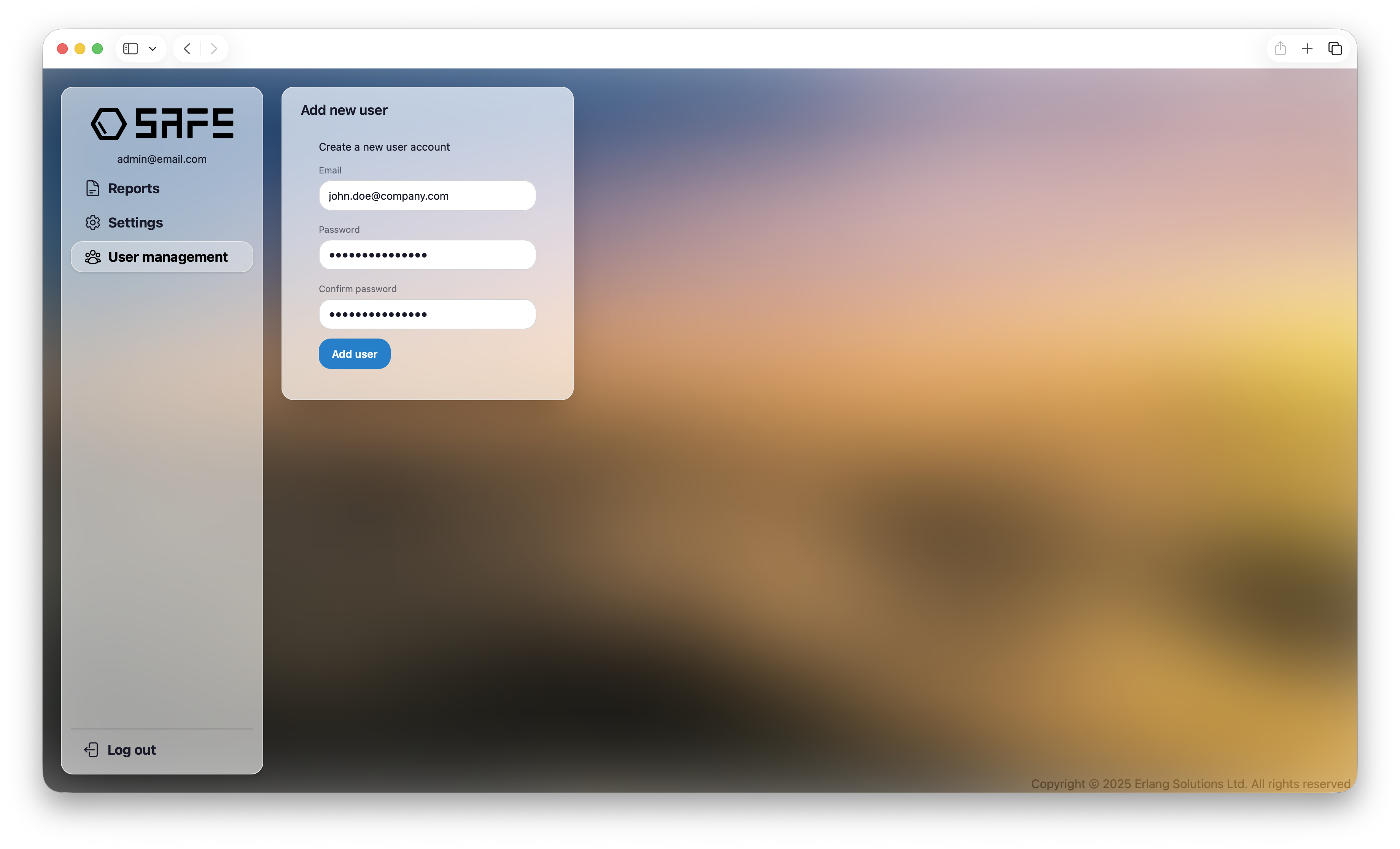
To create a new user, you need provide the following information:
- Email: The email address of the user. This will be used as the username.
- Password: The password for the user account. Later, when the user logs in, they will be prompted to change this password.
Managing Users
Once users have been created, they will be listed in the User Management section. From here, Workspace Admins can:
- View the list of users
- Delete users
- Change the role of users
