Getting started
This guide will help you get started with SAFE On-Prem, covering the installation and initial configuration steps.
What is SAFE On-Prem
SAFE On-Prem is a report viewing solutions for SAFE that can be hosted on your own infrastructure (centralized server, private cloud or individual user machines). To learn more about SAFE On-Prem, please visit our Introduction guide.
Prerequisites
SAFE On-Prem is currently distributed as a Docker image, so the only prerequisites is to have Docker and Docker Compose installed on your machine. You can download Docker from the official Docker website. Docker Compose can be installed throug the Docker Compose documentation.
Installation Steps
Docker Compose
The easiest way to run SAFE On-Prem is with the use of Docker Compose. Get started by creating a docker-compose.yml file with the following content:
version: "3.8"

services:
  db:
    image: postgres:16
    restart: always
    environment:
      POSTGRES_USER: postgres
      POSTGRES_PASSWORD: postgres
      POSTGRES_DB: safe_on_prem_prod
    volumes:
      - db_data:/var/lib/postgresql/data

  safe_on_prem:
    image: erlangsolutions/safe-on-prem:latest
    depends_on:
      - db
    environment:
      - SECRET_KEY_BASE
      - DATABASE_URL=ecto://postgres:postgres@db/safe_on_prem_prod
      - PHX_CHECK_ORIGIN=${PHX_CHECK_ORIGIN:-false}
      - PORT
      - PHX_HOST
    ports:
      - "80:4000"

volumes:
  db_data:
Configuration
After creating the docker-compose.yml file, you will need to set some environment variables:
SECRET_KEY_BASE: Required. A secret key used for encrypting session data. You can generate one using the following command, in an Elixir shell:If you start SAFE On-Prem without setting this variable, a random key will be generated, and printed to the console, but the service will not start.64 |> :crypto.strong_rand_bytes() |> Base.encode64(padding: false) |> binary_part(0, 64)PORT: The port on which SAFE On-Prem will be accessible. Default is4000.PHX_HOST: The hostname or IP address where SAFE On-Prem will be accessible. Default isexample.com.
Start
Once you have configured the environment variables, you can start SAFE On-Prem by running the following command in the directory where your docker-compose.yml file is located:
docker-compose up -d
Unless you have changed the default port, SAFE On-Prem should now be accessible at http://localhost
If everything is set up correctly, you should see the SAFE On-Prem login page:
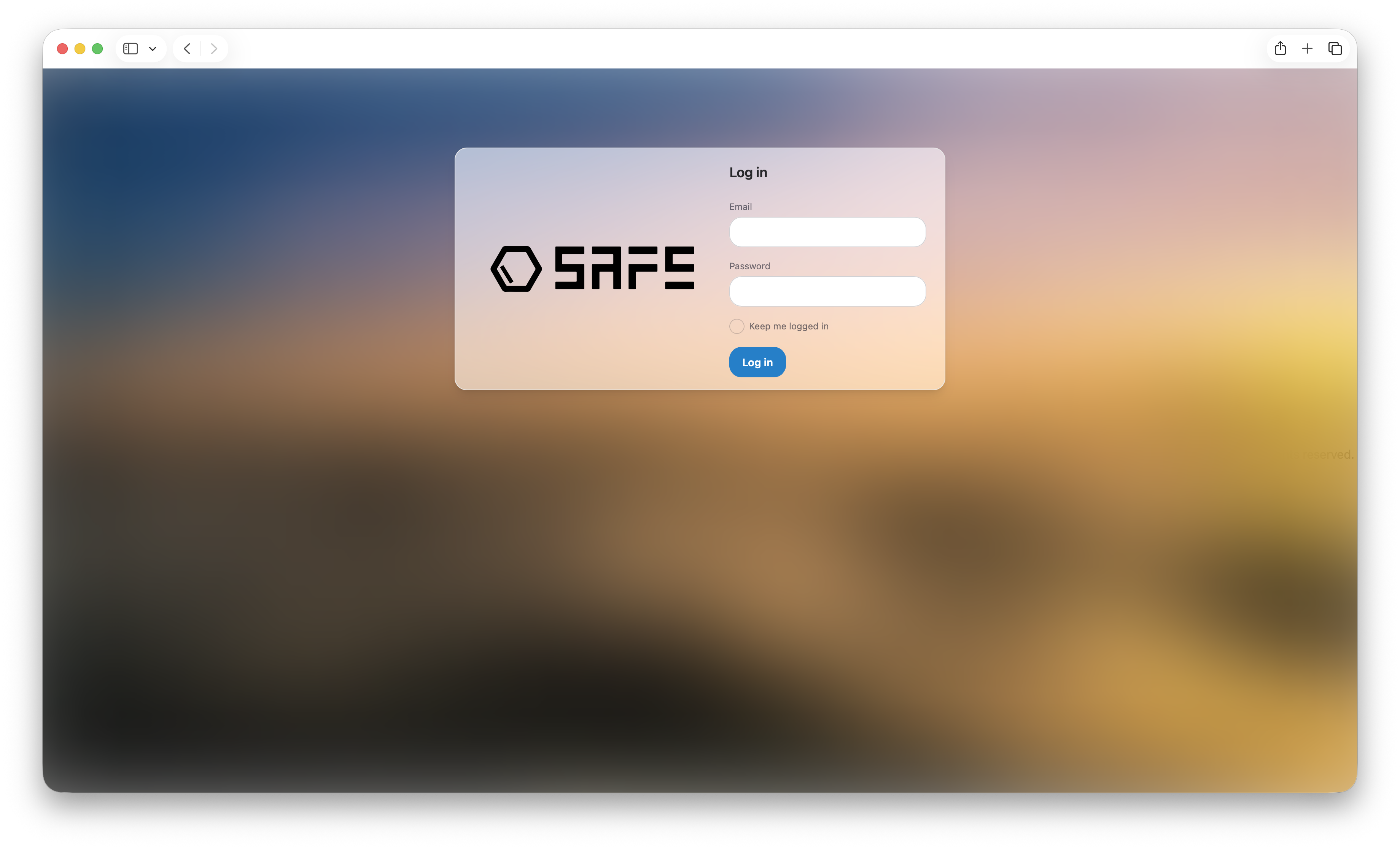
You need to login with the default credentials:
- Username:
admin@email.com - Password:
admin1234admin
After logging in, you will be prompted to change the default password for security reasons. If you encounter any issues during installation or configuration, please do not hesitate to reach out to our support team for assistance: safe@erlang-solutions.com